
Tinnitus Relief App – Quiet Your Ringing Ears Tonight
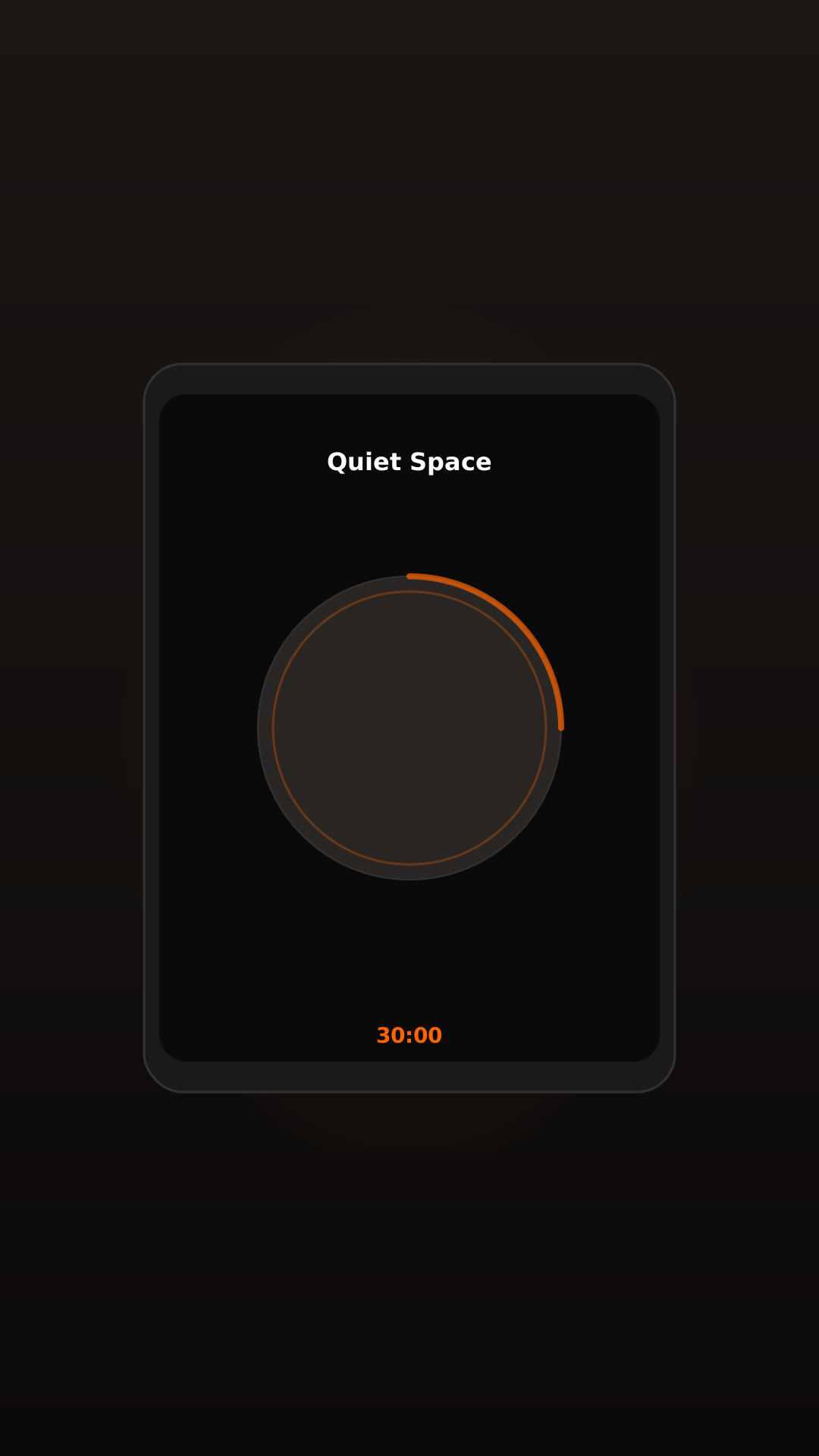
Is there a free tinnitus relief app?
Yes. Tinnitus Relief App is free on iOS and Android with no signup, no account, and no credit card required. The free tier includes two independent sound layers — white noise and a pitch-matched tone (100–15,000 Hz) — that you press play on alone or together at independent volumes. Background play continues during phone calls, Zoom, and a locked screen on every tier.
Does the app keep playing during phone calls?
Yes. Most tinnitus apps pause the moment a call comes in or another app takes the audio focus. Tinnitus Relief App keeps sound therapy running during phone calls, Zoom and Teams meetings, YouTube, and when the screen is locked. This feature is free for every user.
A ringing that follows you into every quiet moment. Phone calls where the relief app cuts out the second the line connects. Tinnitus Relief App is a free sound therapy app built around one rule: the sound has to keep playing — during calls, on a locked screen, all night.
What is a tinnitus relief app?
A tinnitus relief app is a mobile application that delivers continuous sound therapy — typically white, pink, or brown noise, sometimes matched to your tinnitus pitch — to help reduce how intrusive the ringing feels. The goal is not to mask tinnitus completely. It is to reduce the contrast between the internal sound and your environment so the brain can deprioritise the signal over time. This process is called habituation.
Tinnitus Relief App is one of the few apps in this category that keeps playing through phone calls, video meetings, and when the screen is locked. That continuity matters because tinnitus tends to feel most intrusive in the exact moments when other sound disappears.
Is Tinnitus Relief App really free?
Yes — and the free tier is permanent, not a trial. There is no time limit, no account creation, and no card required to use the core features. The app is supported by an optional Premium upgrade that some users choose for added sound options and a sleep timer with fade-out.
What you get on the free tier:
- Masking sound layer — white noise, play it alone or muted
- Pitch-matched tone layer — tuned anywhere from 100 Hz to 15,000 Hz, play it alone or muted
- Play both together at independent volumes — your choice, your mix
- Background playback during phone calls, video meetings, YouTube, and a locked screen
- Offline mode — once downloaded, no internet connection needed
- No signup, no email, no tracking
How does sound therapy for tinnitus work?
Sound therapy adds steady background sound so the brain perceives the tinnitus signal in less contrast with the environment. The neurophysiological model of tinnitus, first described by Jastreboff (1990), proposes that consistent sound exposure can gradually change how the auditory system processes the internal signal — encouraging it to be filtered out of conscious awareness like a hum from a fridge you stop noticing.
Published clinical guidelines, including the American Academy of Otolaryngology–Head and Neck Surgery Foundation guideline (Tunkel et al., 2014) and the European multidisciplinary guideline (Cima et al., 2019), acknowledge sound-based approaches as a recognised part of broader tinnitus management. A 2018 Cochrane review found that while the evidence base has limitations, sound enrichment remains one of the most commonly recommended non-invasive strategies. Individual results vary significantly.
For a deeper explanation of the mechanism, read how sound therapy for tinnitus works.
Why "plays during calls" matters
One-sided silence makes tinnitus feel louder. A phone call covers one ear with a voice and leaves the other side exposed — the exact condition that amplifies internal ringing for many people. Most apps stop their sound the moment a call arrives, because the operating system reclaims the audio session by default. Re-routing around that requires deliberate engineering on the developer side.
Tinnitus Relief App was built from the start to keep its background audio session active during interruptions. Sound therapy continues through inbound calls, video meetings, and notifications, with volume that adjusts independently so it stays inaudible to the other person on the line. This is the single most-requested feature in tinnitus app reviews, and it is free.
Free vs Premium — what is included
| Feature | Free | Premium |
|---|---|---|
| White noise | ✓ | ✓ |
| Frequency matching (100–15,000 Hz) | ✓ | ✓ |
| Background play during calls, Zoom, locked screen | ✓ | ✓ |
| Offline mode | ✓ | ✓ |
| No account or signup | ✓ | ✓ |
| 44 therapeutic sounds (brown noise, rain, ocean, forest…) | — | ✓ |
| Sleep timer with fade-out | — | ✓ |
| Per-ear frequency control | — | ✓ |
| Unlimited saved presets | — | ✓ |
Premium is currently $29.99 for the first year (then $39.99/year) with a 7-day free trial, or $49.99 as a one-time lifetime purchase. No subscription is required to use the core features.
Can the app help with sleep?
Tinnitus tends to feel loudest at bedtime because the bedroom is the quietest place in your day. The contrast between the internal sound and the silent room amplifies awareness of it. Sound enrichment at bedtime — especially brown noise or steady masking sounds — is among the most commonly recommended non-invasive approaches for tinnitus-related sleep difficulty.
The app plays through the night on a locked screen and through notifications. Premium adds a sleep timer with automatic fade-out that ramps the volume down once you have drifted off, so the room can return to silence as your sleep deepens. For a full bedtime protocol, see how to sleep better with tinnitus.
Get started in 3 steps
Download the app — free
Install from the App Store or Google Play. No account, no email, no card. The download takes under a minute on most networks and the app opens straight to the sound library.
Choose your sound layers
Two independent options. Turn on the pitch-matched tone and slide the dial until it sits close to your ringing (100 Hz to 15,000 Hz). Or turn on the masking sound. Or play both, at independent volumes — your choice. Most people find a usable match in under 90 seconds. See the frequency matching guide for tips.
Let it play through your day
Press play and leave it running. Sound therapy continues through phone calls, Zoom meetings, YouTube, and a locked screen. Use a comfortable volume where the tinnitus is still faintly audible — louder is not more effective.
Start tonight — no signup required
Download Tinnitus Relief App — free
Background sound therapy that keeps playing through calls, meetings, and a locked screen. White noise at your tinnitus pitch — free on iOS and Android.


Frequently asked questions
Can a tinnitus app cure my tinnitus?
No. There is currently no universal cure for tinnitus, and Tinnitus Relief App is not a medical device. Sound therapy is a management approach — it aims to reduce how intrusive tinnitus feels, not to eliminate the sound permanently. Some people report reduced distress with consistent use; individual results vary significantly.
Is the app safe to use every day?
Sound therapy at comfortable volumes is generally considered safe for most people when used as directed. Keep the volume low enough that your tinnitus is still faintly audible — louder is not more effective and may be counterproductive. If you have hearing loss or any concern about your ears, speak with an audiologist before using a sound therapy tool.
Which types of tinnitus does sound therapy help most?
Sound therapy tends to be most useful for tinnitus that is constant and present in both ears, where adding background sound reduces the perceived contrast. People with noise-induced, age-related, and stress-related tinnitus often find it helpful. It is less suited to pulsatile tinnitus, which is rhythmic and beats with your pulse — this type needs a professional evaluation first.
How long until I notice any relief?
Some people notice the ringing feels quieter within the first few sessions, particularly at bedtime or in quiet rooms — this is short-term masking. Longer-term habituation, where the brain learns to deprioritise the signal, tends to develop over weeks to months of consistent daily use. Individual results vary significantly.
Does the app work without headphones?
Yes. The app plays through your phone's speaker or any connected Bluetooth speaker — headphones are optional. For nighttime use, many people place the phone on a bedside table at low volume. For phone calls, the background sound continues through your earpiece without becoming audible to the other person.
Is my data private?
Yes. The app does not require an account, an email, or any signup. Frequency matches, presets, and usage data stay on your device and are never uploaded. There is no tracking and no advertising inside the app.
When should I see a healthcare professional instead?
If your tinnitus is new, sudden, in one ear only, pulsatile (beats with your heartbeat), or accompanied by hearing loss, dizziness, or ear pain, see a healthcare professional before relying on any app or self-management tool. These patterns can signal underlying conditions that need evaluation. An audiologist or ENT specialist is the right starting point.
Continue reading
Important. Tinnitus Relief App is not a medical device and does not diagnose, treat, cure, or prevent any medical condition. If your tinnitus is new, sudden, in one ear only, or accompanied by hearing loss, dizziness, or pain, consult a healthcare professional. Individual results vary significantly.
Sources
- Jastreboff PJ. Phantom auditory perception (tinnitus): mechanisms of generation and perception. Neuroscience Research. 1990;8(4):221–254.
- Baguley D, McFerran D, Hall D. Tinnitus. The Lancet. 2013;382(9904):1600–1607.
- Tunkel DE, Bauer CA, Sun GH, et al. Clinical practice guideline: tinnitus. Otolaryngology–Head and Neck Surgery. 2014;151(2 Suppl):S1–S40.
- Cima RFF, Mazurek B, Haider H, et al. A multidisciplinary European guideline for tinnitus. HNO. 2019;67(Suppl 1):10–42.
- Sereda M, Xia J, El Refaie A, Hall DA, Hoare DJ. Sound therapy (using amplification devices and/or sound generators) for tinnitus. Cochrane Database of Systematic Reviews. 2018;12:CD013094.
- World Health Organization. World Report on Hearing. WHO; 2021.
Download Tinnitus Relief App free
Background sound therapy that keeps playing through calls, meetings, and a locked screen. Start with white noise — free on iOS and Android.
- Jastreboff PJ. Phantom auditory perception (tinnitus): mechanisms of generation and perception. Neuroscience Research. 1990;8(4):221–254.
- Baguley D, McFerran D, Hall D. Tinnitus. The Lancet. 2013;382(9904):1600–1607.
- Tunkel DE et al. Clinical practice guideline: tinnitus. Otolaryngology–Head and Neck Surgery. 2014;151(2 Suppl):S1–S40.
- Cima RFF et al. A multidisciplinary European guideline for tinnitus. HNO. 2019;67(Suppl 1):10–42.
- World Health Organization. World Report on Hearing. WHO; 2021.