
Tinnitus Masking Sounds Library
.webp)
.webp)

.webp)

.webp)


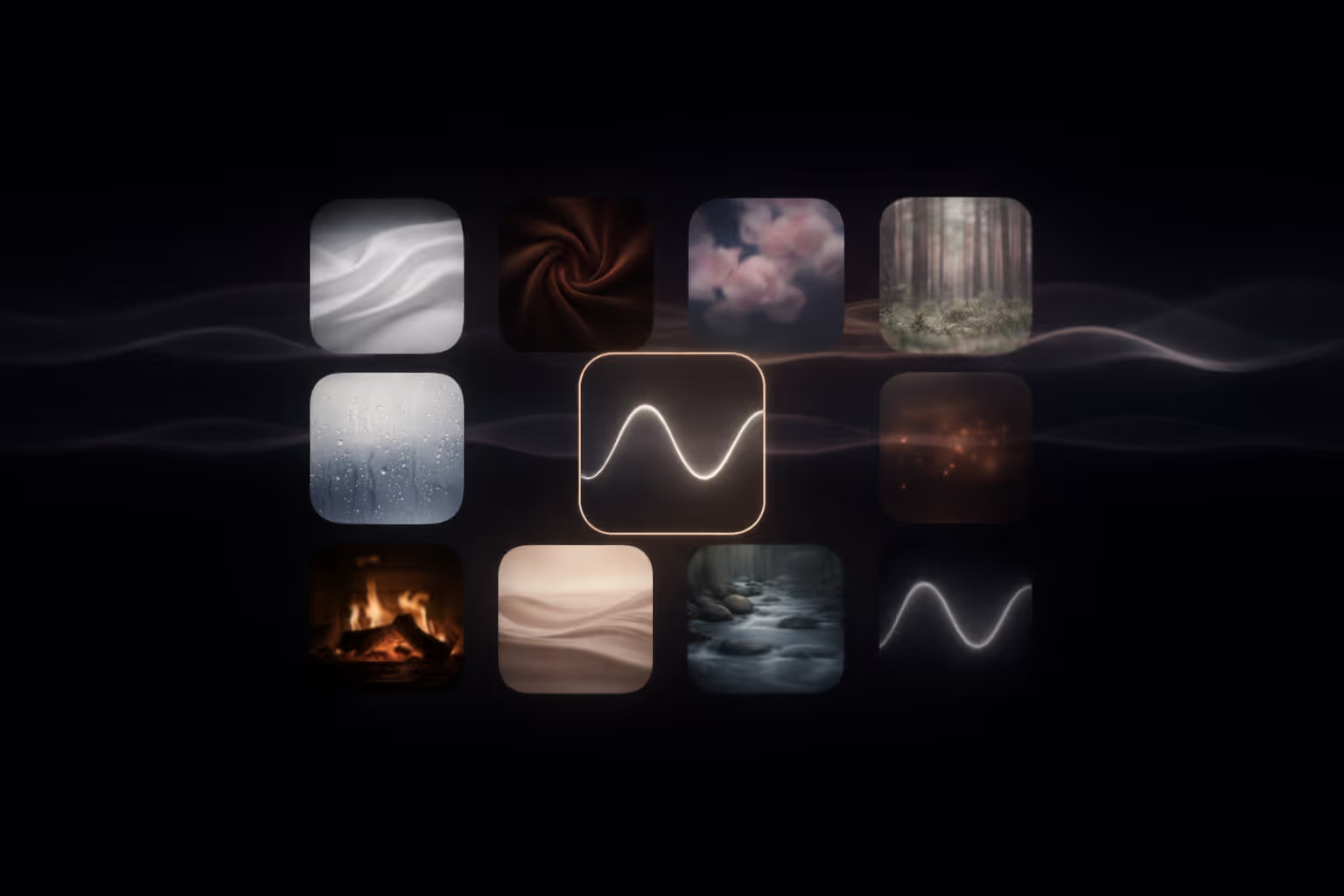
Tinnitus is personal. The right sound isn't a specific frequency — it's whatever feels comfortable and makes ringing less front-and-centre. Individual results vary significantly. Start with the free noise sounds, then explore premium soundscapes for comfort, variety, and long sessions.
- Free sounds: White noise, pink noise, and brown noise — best starting points for most people.
- For sleep: Pink noise, brown noise, rain, or ocean are the most commonly reported helpful sounds.
- Volume rule: keep it just below the point where the tinnitus disappears — not louder.
- Background play: the app keeps playing during calls, meetings, and with the screen locked.
- No perfect sound: test for 3–5 minutes at low volume, switch if it feels sharp or tiring.
 How it works
 How to choose
How masking works
The goal: not to "erase" tinnitus, but to reduce the contrast between ringing and silence. Gentle background sound can help your brain shift attention and feel calmer.
Comfort first: start at low volume. Increase only until tinnitus feels less intrusive. If a sound feels sharp or tiring, switch sound profile instead of turning it up.
Step 1: Start with free sounds
White, pink, and brown noise are free in the app. They are the fastest way to discover what your ears tolerate best.

White Noise Free
Feels like: static, a strong fan.
Try this: 3–5 minutes at low volume. If it feels sharp, switch to Pink Noise.
Pink Noise Free
Feels like: steady rain, leaves rustling.
Try this: save it as your default sound if it feels easy to listen to for longer sessions.
Brown Noise Free
Feels like: distant thunder, a deep waterfall.
Try this: bedtime at very low volume. Many people prefer it for winding down.
Step 2: Premium soundscapes (curated library)
A strong library is not hundreds of sounds. Too many choices creates drop-off. Below is a curated set of 20 premium soundscapes grouped by use case.
Premium core noises (clean + controlled)
Frosted Glass Humidity  Premium
Why users pick it: a soft, clean texture when you want something calm but not "rain."
Green Noise Premium
Why users pick it: balanced profile that feels smoother than white noise for long sessions.

Crisp Ice Premium
Why users pick it: a "fresh" texture some people prefer over static while working.
Premium water & sleep (comfortable long sessions)

Rain Premium
Why users pick it: natural variation without being distracting.
Rain on Roof Premium
Why users pick it: cosy indoor atmosphere many people associate with sleep.
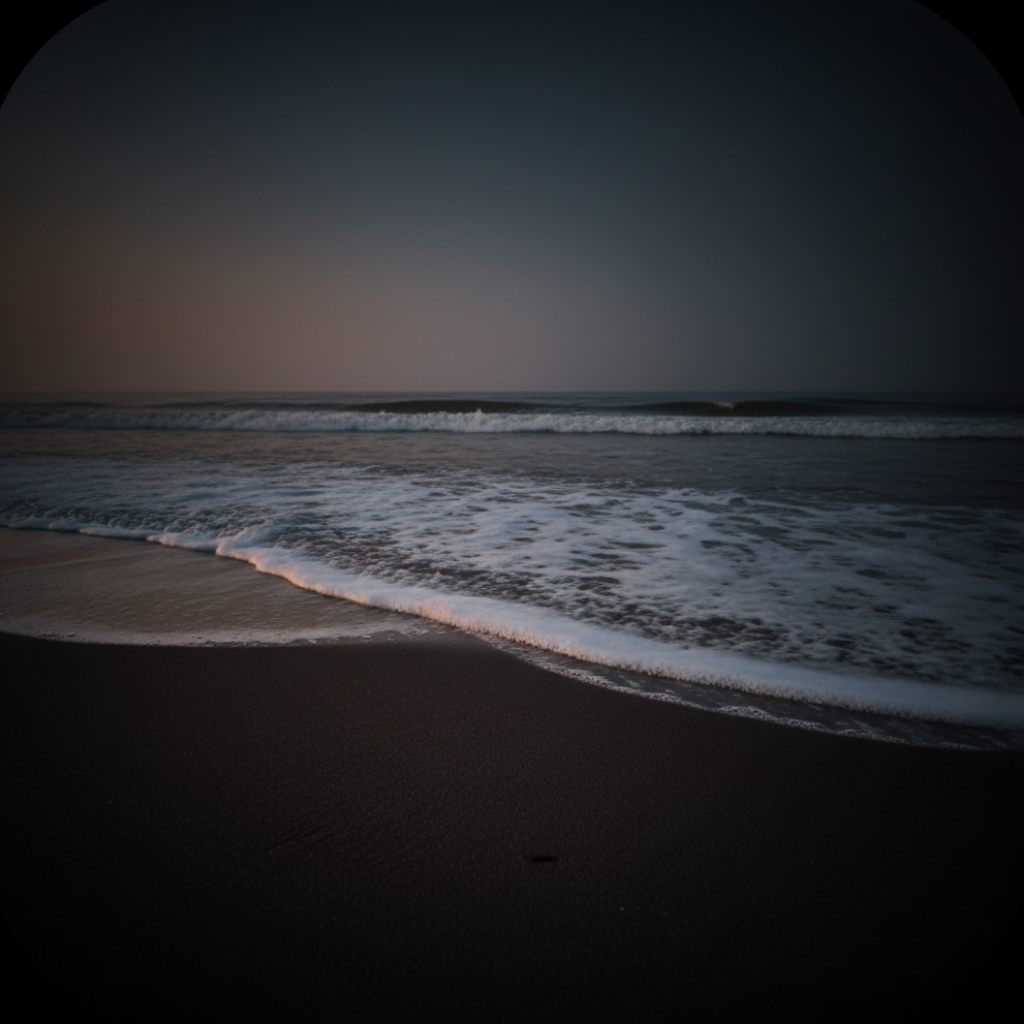
Slow Waves Premium
Why users pick it: gentle movement without sharp peaks.
Ocean Premium
Why users pick it: wide-band masking plus a calm rhythm many people associate with relaxation.
Premium weather & texture (stronger nights)

Thunderstorm Premium
Why users pick it: stronger coverage with a deeper low end.
.png)
Blue in the Wind Premium
Why users pick it: a smoother, airy texture some people find less fatiguing than static.
Frosted Glass Humidity Premium
Why users pick it: clean, soft texture when you want something calm but not "rain."
Premium home & focus (normal-life masking)
Fan / Ventilator Premium
Why users pick it: familiar room sound that doesn't feel like "therapy."

Wind Premium
Why users pick it: steady "moving air" texture that feels grounding.

Coffee Ambience Premium
Why users pick it: gentle background that feels "normal" during focus sessions.
Premium comfort (wind-down)

Forest Premium
Why users pick it: gentle ambience that can reduce stress around silence.

Wood Fire Premium
Why users pick it: cosy ambience with soft texture for evening wind-down.
Cat Purring Premium
Why users pick it: a comforting low texture that can help during anxious moments.

Heartbeat Premium
Why users pick it: a steady pulse some people find easier than static noise.
How to choose (beginner framework)
Simple 3-step plan:
- Pick one free sound (pink noise is often an easy start) and test for 3–5 minutes at low volume.
- Choose one premium soundscape you enjoy (rain, ocean, fan, coffee) and compare comfort after a few minutes.
- Use background play + a sleep timer so you don't have to manage sessions all day.
At a glance: comfort vs masking
| Sound | Masking power | Comfort | Best use |
|---|---|---|---|
| White Noise (Free) | High | Medium | When you want stronger coverage |
| Pink Noise (Free) | Medium–High | High | Daily use, work, sleep |
| Brown Noise (Free) | Medium | Very high | Relaxation, bedtime |
| Rain / Ocean (Premium) | Varies | Very high | Long sessions, sleep comfort |
| Fan / Wind (Premium) | Medium | High | All-night, "normal-life" masking |
| Coffee Ambience (Premium) | Low–Medium | High | Focus sessions with background play |
FAQ
Do I need to match my tinnitus frequency exactly?
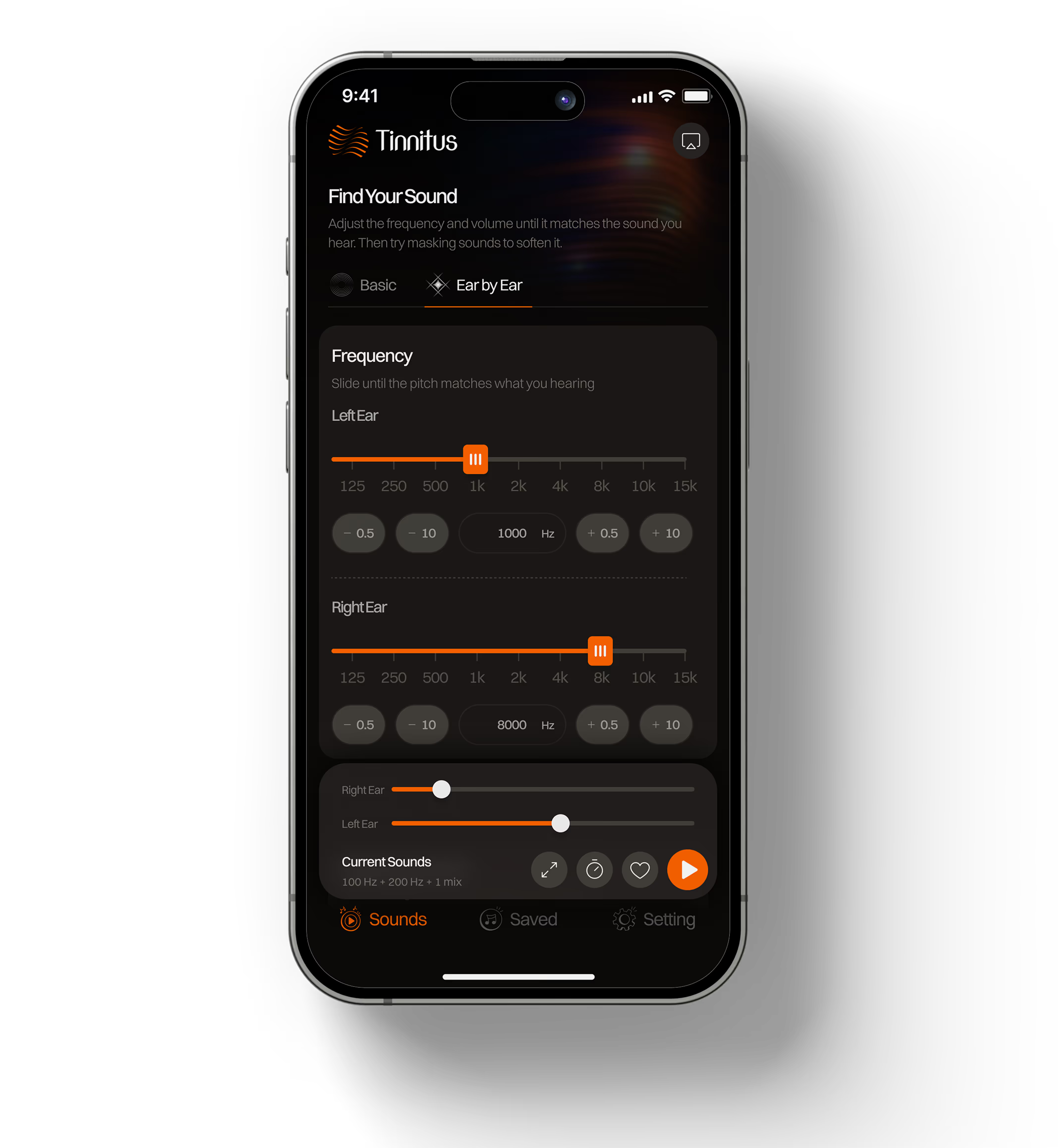
No. Frequency matching can help some people, but it is not required. Many users start with noise sounds and keep whatever feels comfortable. The goal is reducing how intrusive tinnitus feels, not eliminating it.
Can I use tinnitus masking sounds for sleep?
Yes. Use the sleep timer, keep volume low, and choose the most comfortable sound for long sessions. Brown noise, rain, and ocean sounds are commonly reported as helpful for falling asleep with tinnitus.
Is it safe?
Sound masking can be used safely at comfortable listening levels. Avoid loud volume. If you experience pain, dizziness, sudden hearing changes, or severe distress, consult a qualified clinician.
What is the difference between white noise, pink noise, and brown noise for tinnitus?
White noise covers all frequencies equally and offers the strongest masking. Pink noise reduces higher frequencies, making it softer and easier for daily use. Brown noise emphasises low frequencies and feels like distant thunder — many users find it the most comfortable for winding down and sleep.
Which tinnitus masking sound is best?
There is no single best sound — tinnitus is personal. Pink noise is often an easy starting point because it feels softer than white noise and suits both daytime and sleep use. For relaxation and sleep, brown noise, rain, or ocean sounds are commonly preferred.
Will the sound keep playing if I get a phone call?
Yes. Tinnitus Relief App is designed for continuous background play. The sound continues during phone calls, video meetings, and while using other apps. This is the app's core differentiator — most tinnitus apps stop when you switch away or receive a call.
.avif)
Test white, pink, and brown noise for free. Upgrade only if you want more soundscapes and variety.
Go to download page →

Related guides
Important notice: This page is educational and does not provide medical advice, diagnosis, or treatment. Tinnitus Relief App is not a medical device. Individual results vary significantly. If tinnitus is new, suddenly worse, or accompanied by hearing loss, dizziness, or ear pain, consult a qualified clinician. Always use comfortable listening levels.