Download – Start Your Tinnitus Relief Journey
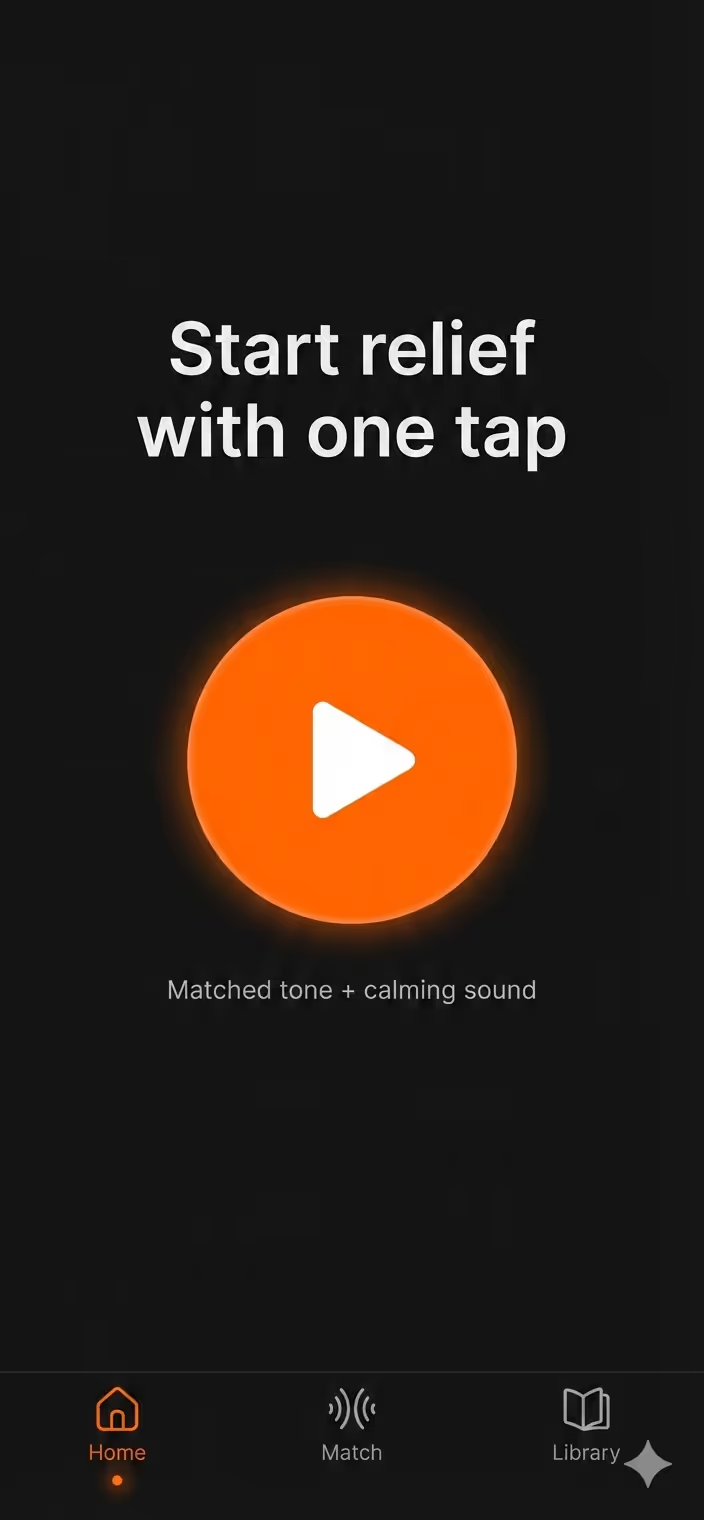



Sound therapy that never stops — during calls, meetings, sleep, and everything in between. Free to start. Works offline.
Free tier available permanently. No trial period, no credit card.
Sound therapy that works during phone calls
Most tinnitus apps stop playing the moment you take a call or switch apps. Tinnitus Relief App uses background audio mixing so your masking sound continues — during Zoom, Teams, FaceTime, YouTube, and when your screen is locked. No interruptions. No reringing.
Download Free →What's included
Start free. Upgrade when you want more.
- White noise — continuous background sound FREE
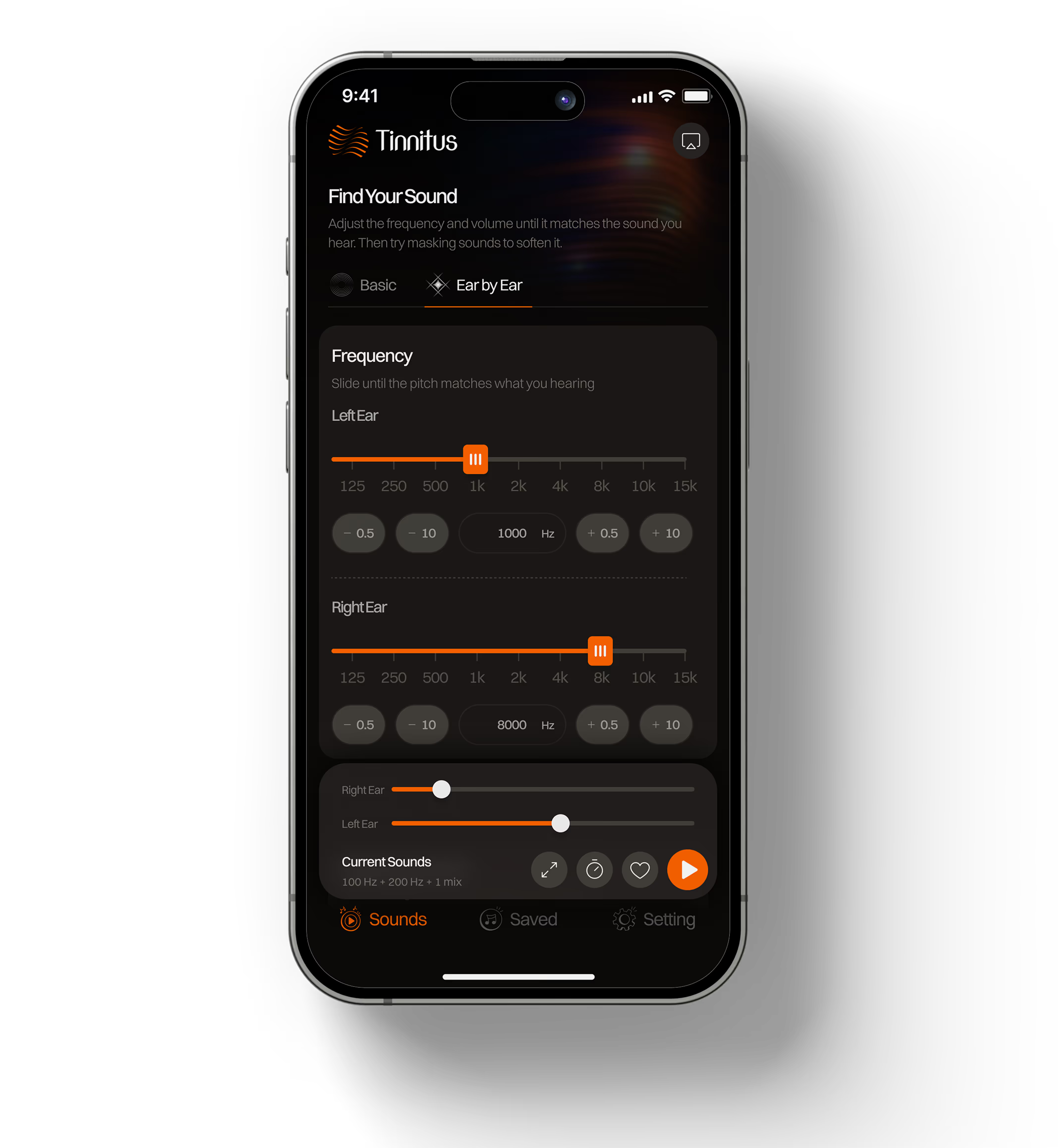
- Frequency matching — match your exact tinnitus pitch FREE
- Background play during calls, Zoom, YouTube, locked screen FREE
- Works 100% offline — no Wi-Fi needed
- No signup, no account, no tracking
- One saved preset
- Everything in Free
- 44 therapeutic sounds — brown noise, rain, ocean, forest, fan, café, and more
- Sleep timer with automatic fade-out
- Per-ear frequency control — independent left/right adjustment
- Unlimited saved presets
7-day free trial. Cancel anytime.
A sound for every moment
From the focused hum of a coffee shop to the deep rumble of brown noise — 44 sounds built for different situations and different tinnitus profiles.
 Pure White Noise
  Light Rain
  Dense Forest
  Fireplace
 4 of 44 sounds. Premium unlocks the full library.
Up and running in 3 steps
Download the app
Available on the App Store and Google Play. No signup, no email, no account. Open it and you're ready.
Match your frequency
Use the frequency slider to find the tone that most closely matches your tinnitus pitch. This takes about two minutes and is free for all users.
Choose a sound and let it run
Pick white noise or any sound from the library. The app continues playing in the background during calls, meetings, and when your screen locks.
Frequently asked questions
Is the app really free?
Yes. The free tier is permanent — not a trial. It includes white noise, frequency matching, and background play during calls. No credit card needed. Premium adds 44 sounds, sleep timer, and per-ear control. Launch pricing is $29.99 for the first year (then $39.99/year) or $49.99 lifetime, with a 7-day free trial.
Does the sound really keep playing during calls?
Yes. The app uses background audio mixing to layer your masking sound underneath other audio — so it keeps running during phone calls, Zoom, Teams, Google Meet, and FaceTime. The other person cannot hear your masking sound. This feature is free.
Do I need to create an account?
No account, no email, no signup. Download, open, and start. All settings are stored locally on your device.
Does it work without Wi-Fi?
Yes. All sounds work completely offline once downloaded. No internet connection needed during use — useful for flights, travel, and areas with poor signal.
Can this app cure tinnitus?
No. Tinnitus Relief App is a sound therapy tool, not a medical device. It helps manage symptoms by reducing the contrast between your tinnitus and the surrounding environment. Research suggests consistent sound therapy may reduce perceived distress over time, but individual results vary. If your tinnitus is sudden, one-sided, pulsatile, or accompanied by hearing loss, see a healthcare professional.
Which iPhone and Android versions are supported?
The app runs on iOS and Android. Check the App Store or Google Play listing for the current minimum OS requirements.
Start free. No signup needed.
Download on iPhone or Android. Background play during calls is included free — no subscription required.
Also available on: Tinnitus relief guide · How sound therapy works · Frequency matching guide